Have you ever wanted to launch your own video-on-demand (VOD) streaming platform, but backed away after seeing the massive price tags and technical headaches?
We get it. Building a premium video site usually requires an army of expensive developers or restrictive, over-priced third-party SaaS platforms.
But what if you could turn a standard WordPress website into a powerhouse streaming hub—complete with standalone movies, organized TV seasons, and vertical short-form video clips? And what if you could learn exactly how to do it in under an hour, completely for free?
We just launched our official MediaBlaster Training Course, and it is open for registration right now. No catches, no hidden fees, and absolutely no purchase necessary.
What is MediaBlaster?
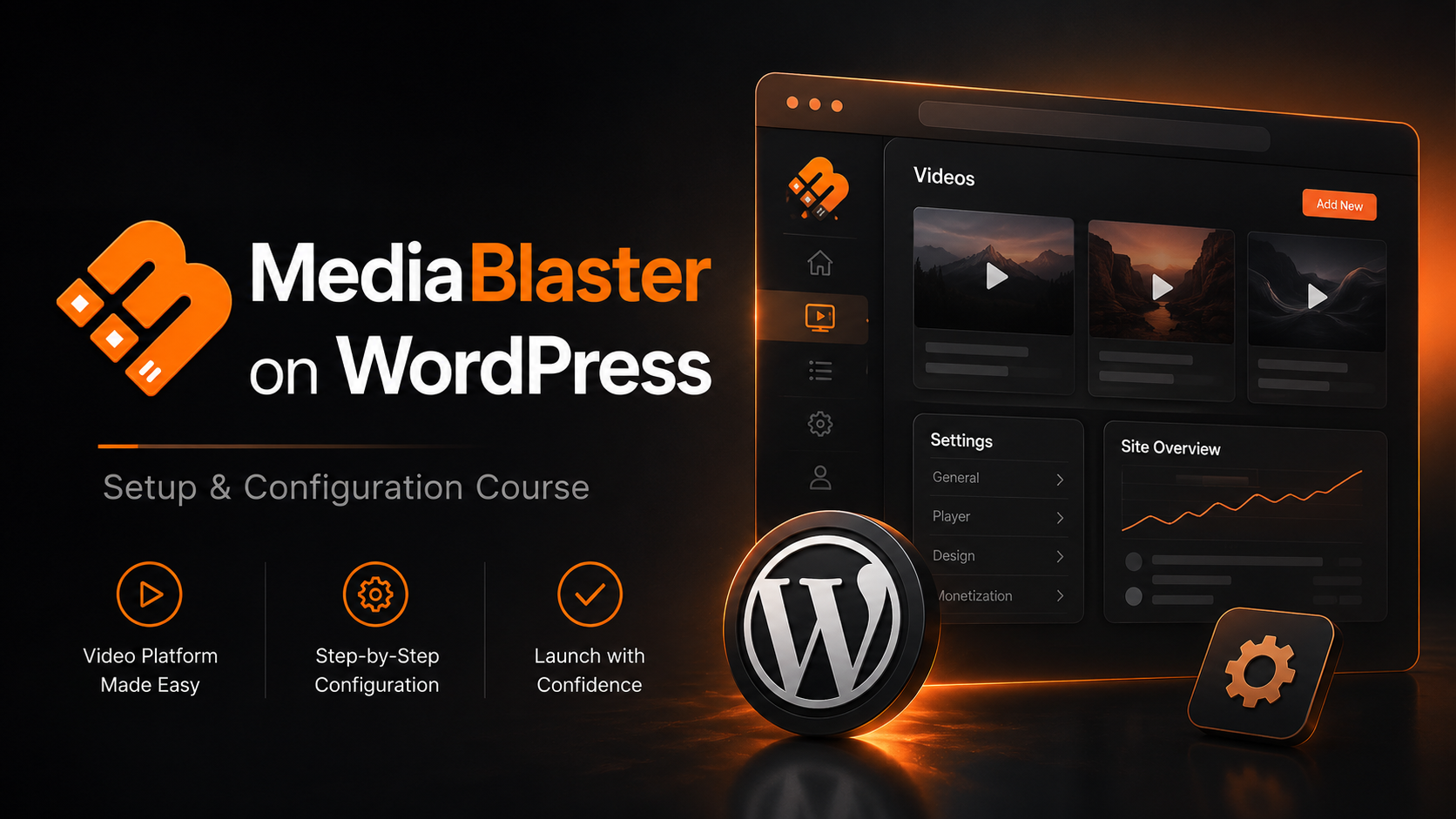
MediaBlaster is a native WordPress plugin designed to do one thing beautifully: transform your website into a sleek, customized media-streaming engine. It handles everything from backend video metadata management to seamless integration with premium video hosts like Vimeo, AWS, and BunnyCDN.
Whether you are looking to build a private niche streaming network, an educational portal, or a public content platform, MediaBlaster gives you the structural framework of a major streaming app right inside the WordPress dashboard you already know and love.
What You Will Learn in the Course
We know your time is valuable. That’s why we skipped the fluff and broke this training down into short, bite-sized, step-by-step video modules.
Here is a quick look at the roadmap:
🛠️ Part 1: Installation & Core Configuration
We kick things off with a quick walkthrough on how to log in and activate the MediaBlaster toolkit. From there, we give you a tour of the General Settings panel, showing you how to customize your media types and disable old legacy controls to keep your backend workspace perfectly clean.
🎬 Part 2: Mastering Content Types
Not all video content is built the same. We show you how to handle three distinct formats:
- Standalone Movies: How to add individual, standalone feature pieces and attach quality metrics (SD, HD, 4K), genres, and parental ratings.
- Episodic Series: How to bundle separate video assets into structured Seasons and Episodes, then link them into a main show container.
- Short-Form Videos: How to unlock a vertical, mobile-first 9:16 aspect ratio feed (just like TikTok or Instagram Reels) for quick clips and teasers.
☁️ Part 3: Deep Vimeo Integration
This is where the magic happens. We walk you through setting up a private Vimeo API application to securely connect your website to your hosting account. Once connected, you will learn how to:
- Directly Upload: Push local video files from WordPress straight to Vimeo.
- Mass Import: Populate your entire site library by pulling down dozens of Vimeo videos at scale in a single click—complete with automatically synced titles, run times, and cover art.
📺 Part 4: Designing the Front-End (Gutenberg & Elementor)
A great backend means nothing without a beautiful user interface. We wrap up by showing you how to use our free front-end tools. You’ll see how to drop dynamic Gutenberg Blocks onto a page, extract Dynamic Shortcodes, and build fully custom landing page templates using Elementor Pro’s Theme Builder.
🚀 Ready to Take It a Step Further? For creators looking to move past the web and onto actual televisions, we also introduce our native Roku Launch Kit. It works hand-in-hand with MediaBlaster to push your WordPress video data directly onto smart TVs worldwide.
How to Enroll (Seriously, It’s $0)
This training is our gift to the creator community. There are no paywalls, no credit cards required, and you don’t need to buy a single thing to build exactly what we show you in the videos. All you need to get started is an active WordPress website and administrator access.
The entire course is waiting for you right now in our community classroom.
👉 [Click Here to Access the MediaBlaster Course and Start Building Today!]
Would you like me to add a specific section to this blog post detailing how MediaBlaster handles alternative video hosts like AWS or BunnyCDN, or does this cover everything you want for the launch announcement?